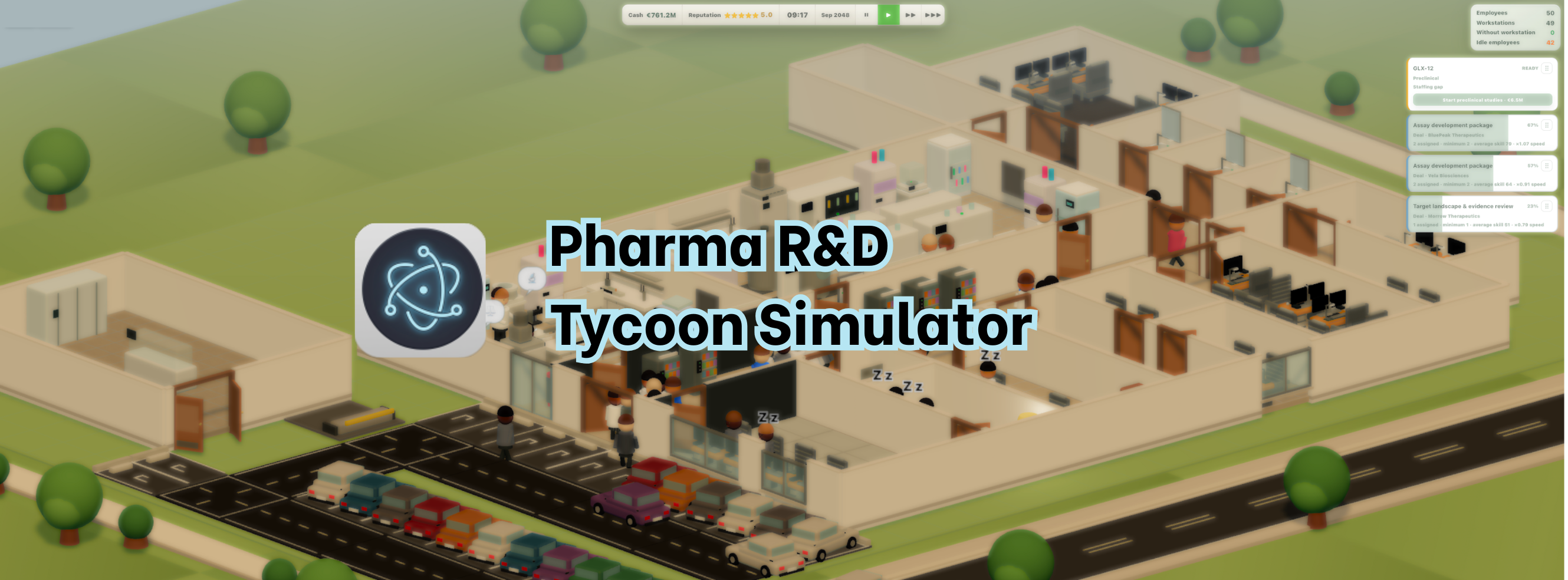
Pharma R&D Tycoon Simulator
A downloadable game for Windows and macOS
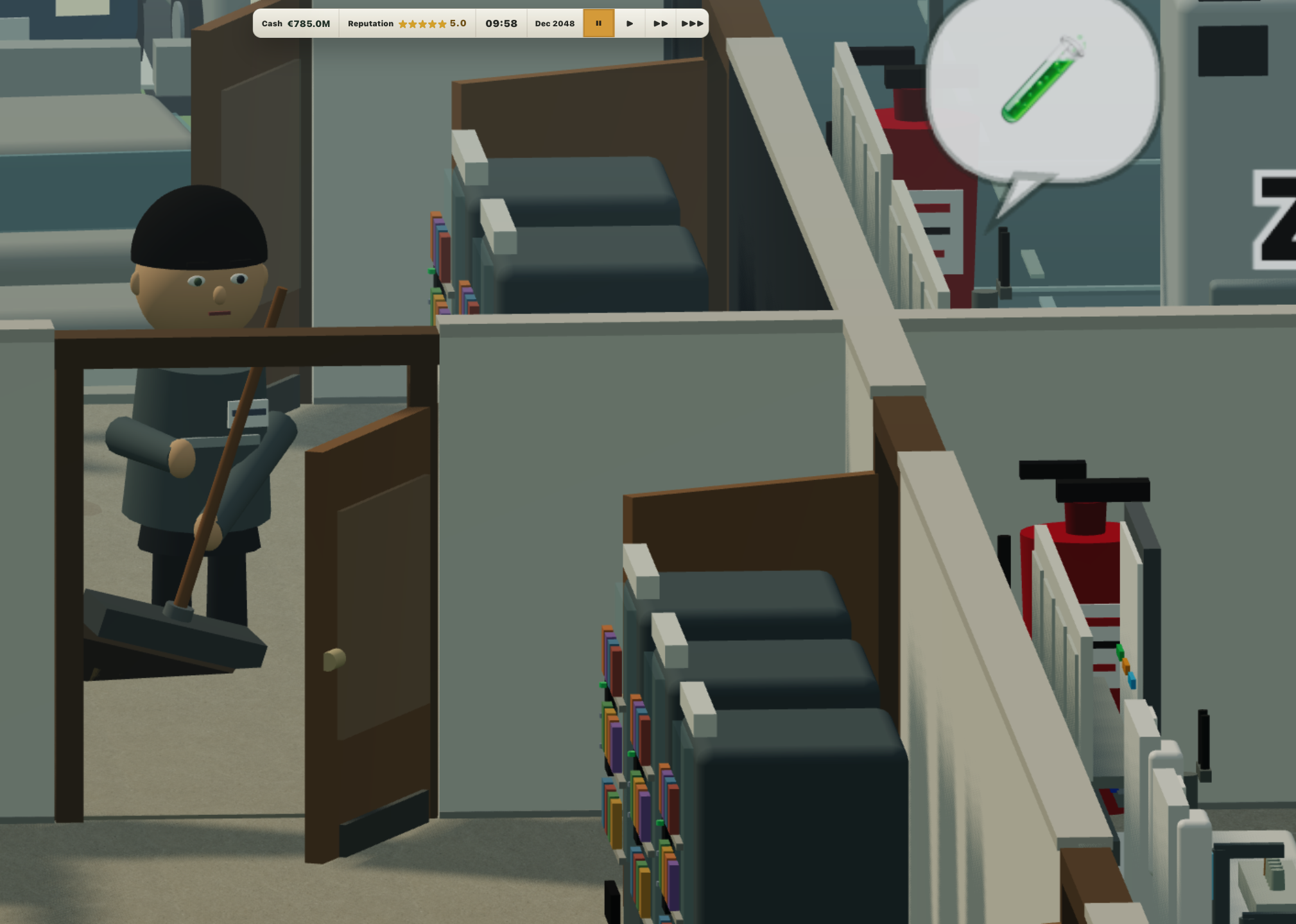
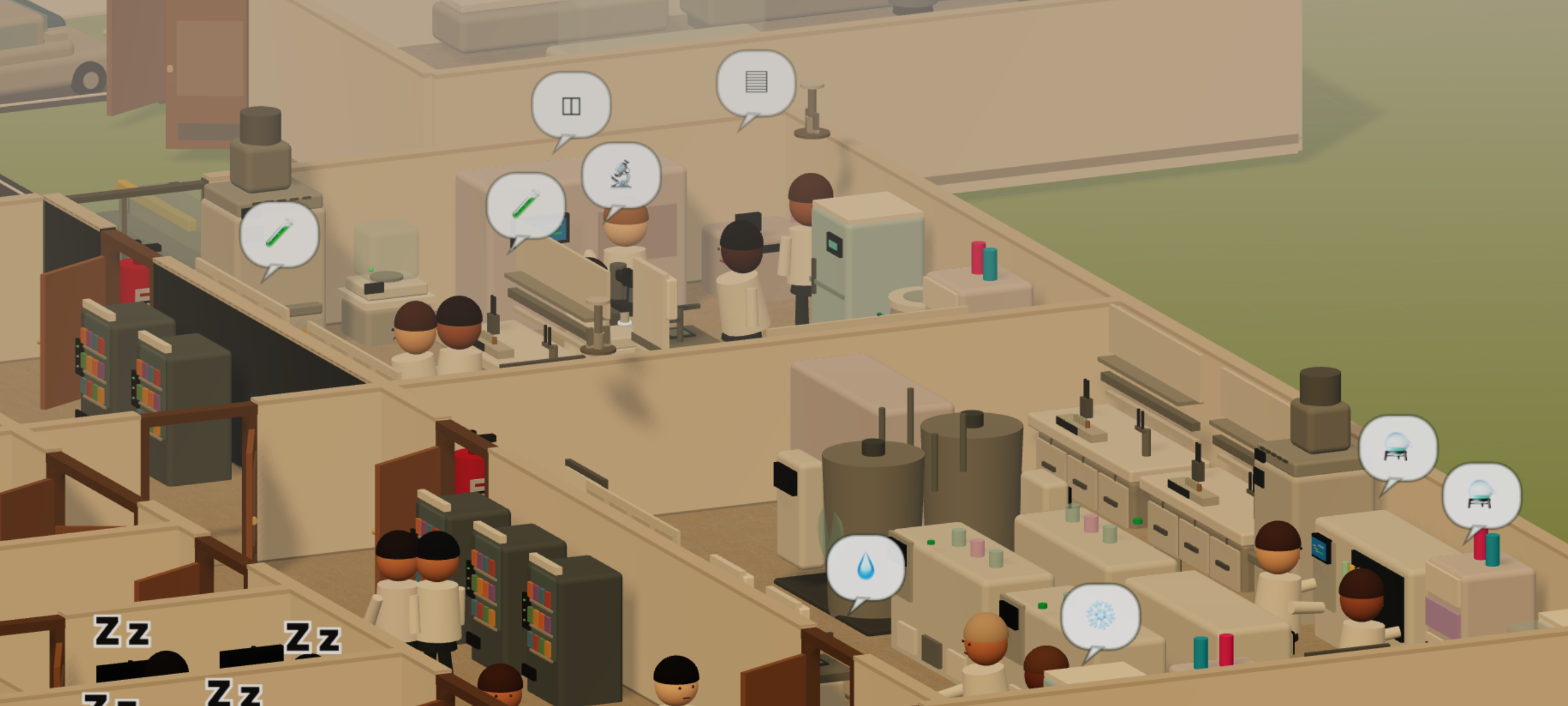
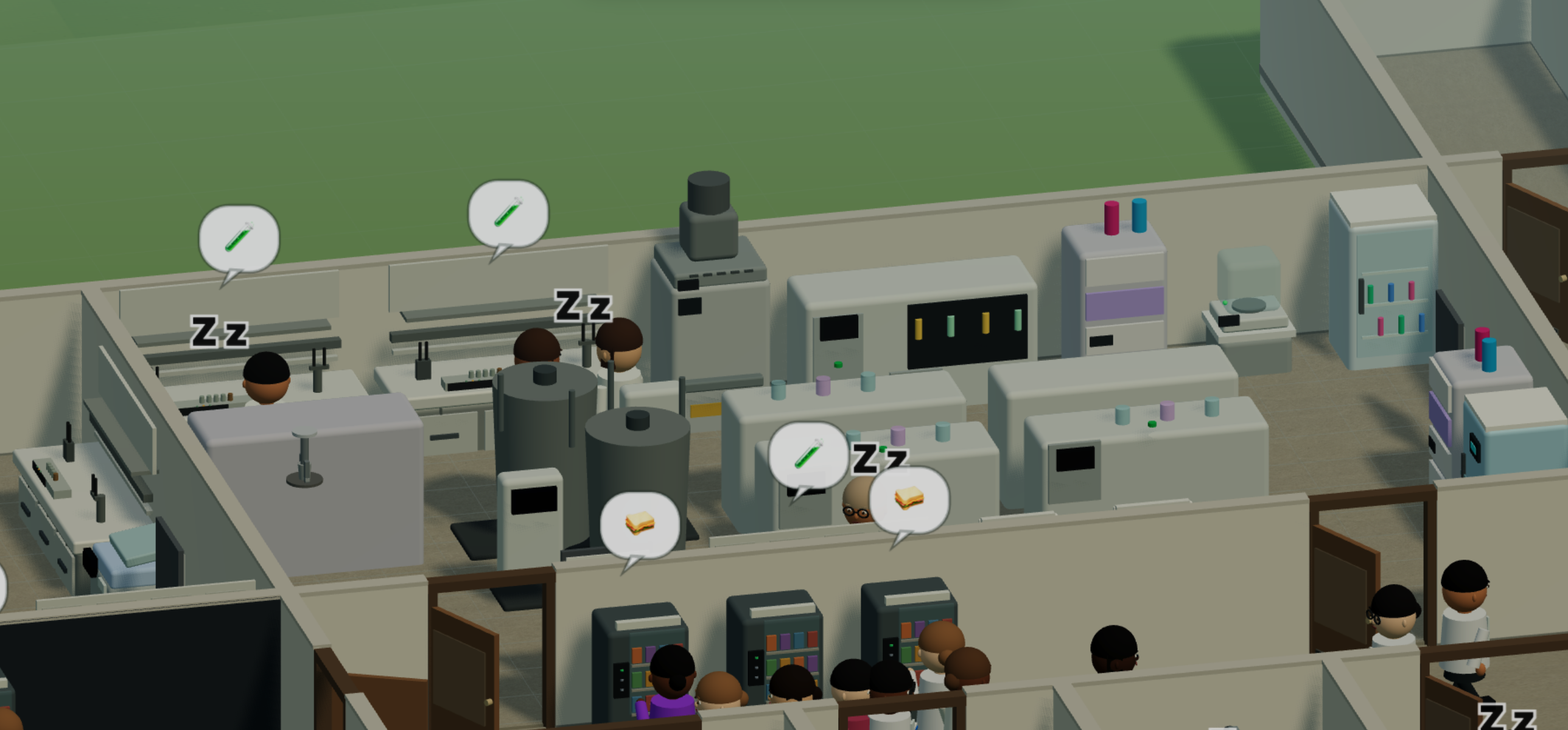
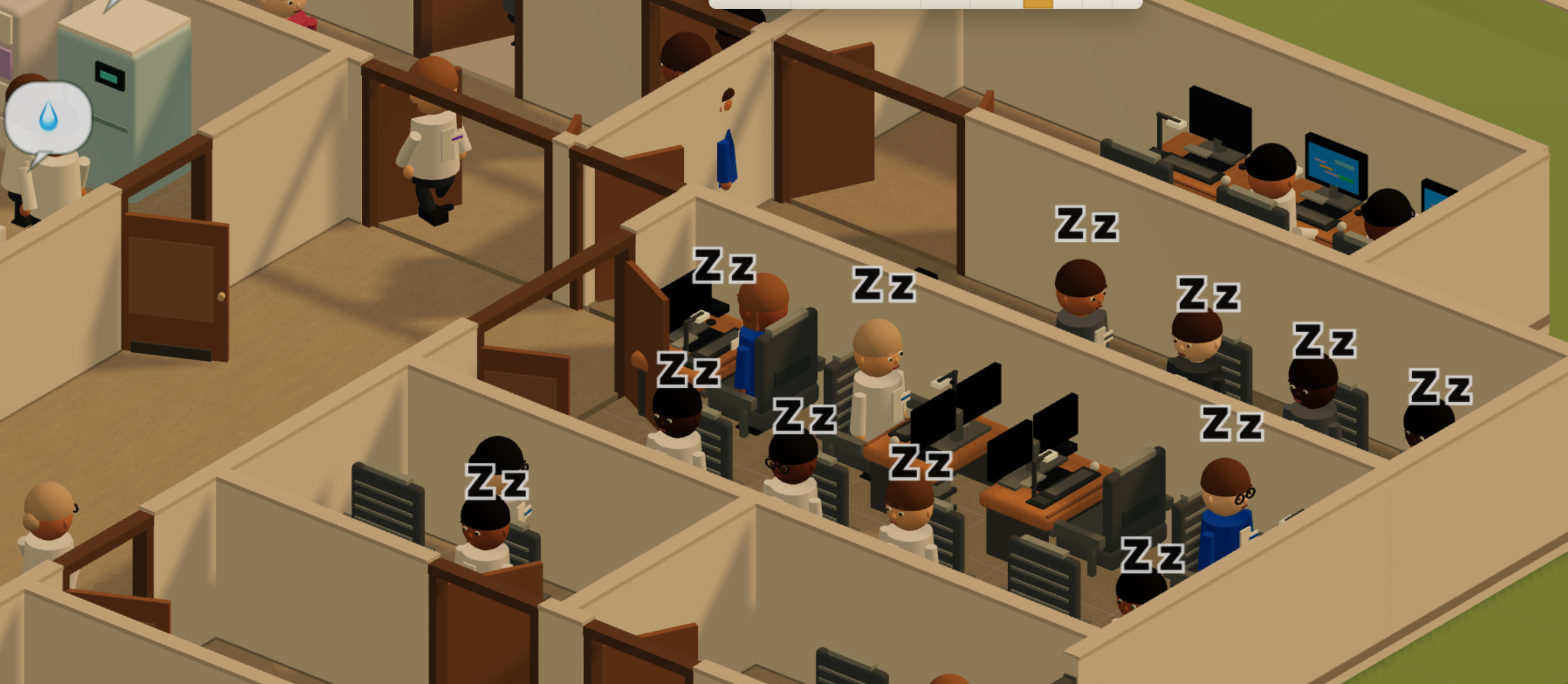
Pharma R&D Tycoon Simulator vous plonge au cœur de l'industrie pharmaceutique. De la recherche préclinique jusqu'à la commercialisation, pilotez vos projets de R&D, gérez votre cash burn, passez les essais cliniques avec succès et négociez vos brevets pour bâtir le plus grand empire de santé au monde.
Pharma R&D Tycoon Simulator puts you in charge of a modern biotech company. From preclinical discovery to global commercialization, manage your pipeline, navigate clinical trials, balance your cash burn, and sign strategic deals to build a pharmaceutical empire.
-------------
⚠️ Avertissements de sécurité au premier lancement
Ce jeu est développé indépendamment et n'utilise pas de certificat de signature payant, donc votre système peut afficher un avertissement au premier lancement — c'est normal, pas de logiciel malveillant.
Sur macOS : allez dans Réglages Système → Confidentialité et sécurité, puis cliquez sur "Ouvrir quand même".
Sur Windows : cliquez sur "Informations complémentaires" puis "Exécuter quand même" sur l'écran SmartScreen.
----------
⚠️ Security warnings on first launch
This game is independently developed and does not use a paid signing certificate, so your system may display a warning upon first launch—this is normal; there is no malware.
On macOS: go to System Settings → Privacy & Security, then click "Open Anyway".
On Windows: click "More info" and then "Run anyway" on the SmartScreen screen.
Download
Install instructions
⚠️ Avertissements de sécurité au premier lancement
Ce jeu est développé indépendamment et n'utilise pas de certificat de signature payant, donc votre système peut afficher un avertissement au premier lancement — c'est normal, pas de logiciel malveillant.
Sur macOS : allez dans Réglages Système → Confidentialité et sécurité, puis cliquez sur "Ouvrir quand même".
Sur Windows : cliquez sur "Informations complémentaires" puis "Exécuter quand même" sur l'écran SmartScreen.
Pour recevoir les mises à jour automatiquement, installez l'application itch.io
----------
⚠️ Security warnings on first launch
This game is independently developed and does not use a paid signing certificate, so your system may display a warning upon first launch—this is normal; there is no malware.
On macOS: go to System Settings → Privacy & Security, then click "Open Anyway".
On Windows: click "More info" and then "Run anyway" on the SmartScreen screen.
To receive updates automatically, update the itch.io app